
Manage staff records and onboarding
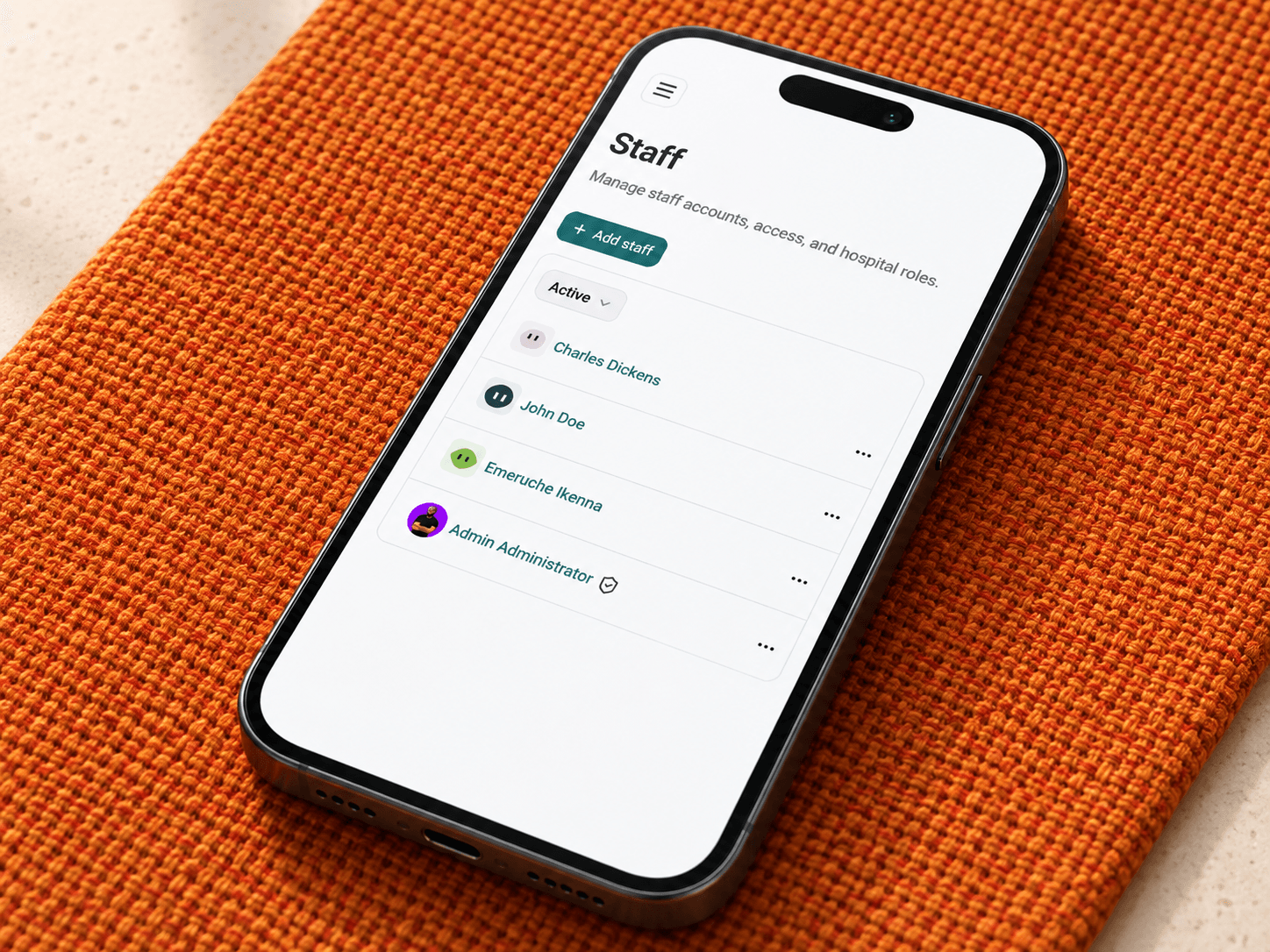
Create staff accounts, maintain profiles, assign roles, manage active or inactive status.
Staff and referrals
Cuboid gives hospitals a structured way to manage staff, roles, permissions, teams, schedules, announcements,.
People and accountability
Who it's for
Hospital administrators, HR and operations leads, medical directors, department heads, team leads, clinicians, nurses, pharmacists, laboratory scientists, radiologists, receptionists, billing staff, and referral coordinators.
The problem it solves
Hospitals lose time when people are unsure who owns a task, which team should receive a referral, or whether a staff member should have access to sensitive work. Cuboid brings people, permissions, schedules, and care coordination into one operational layer.
Where teams use it
Create staff accounts, maintain profiles, assign roles, manage active or inactive status.
Control who can read, write, generate, approve, or manage sensitive work across patients, consultations,.
Create teams, manage members, share announcements, and coordinate patient work.
Configure schedules, create and manage schedule events, assign staff roles or providers.
Send and receive internal referrals, track referral activity and unread counts, route work to.
Run staff referral campaigns, manage earnings and payouts, and retain payout proof when your hospital uses the referral programme.
Why it matters
01
Fine-grained permissions help administrators control who can view, change, generate, or approve work across.
02
Teams, lists, announcements, and referrals make ownership easier to see.
03
Schedule events can be assigned to staff roles or providers and used to check.
04
Referral status, unread counts, activity, notifications.
How coordination works
Create staff accounts, maintain profiles, assign operational roles.
Apply role permissions and overrides so staff members can access the records, actions.
Create teams, add members, share announcements, configure schedules, assign providers.
Send or receive internal referrals, follow status and activity, notify the responsible people.
Tell us about your facility. We’ll review your needs and arrange a focused walkthrough.
The connected hospital platform
/patient-care
Cuboid gives reception, clinical, nursing, and administrative teams a shared view of the patient.
Read more
/ai-documentation
Cuboid’s AI tools support consultation transcription, clinical-note drafting, note transformation.
Read more
/lab-and-imaging
Connect diagnostic orders, work queues, reports, notifications, and result sharing.
Read more
/pharmacy
Connect prescriptions, dispensing, administration, stock, and pharmacy locations.
Read more
/billing-and-financials
Cuboid connects services, charges, payer status, patient and family wallets, invoices, receipts, payments..
Read more
/staff-and-referrals
Cuboid gives hospitals a structured way to manage staff, roles, permissions, teams, schedules, announcements,.
You are here
/audit-logging
Give hospital administrators a clearer record of important clinical and security activity.
Read more
/referral-campaigns
Run configured employee referral campaigns with clear eligibility, earnings, and payout management.
Read more