Work with us and get a free website for your hospital. Limited spots available.
CuboidOS

Customisation

Make the platform feel like your hospital

Bring your hospital’s identity into the staff experience, shared results, and patient-facing documents with configurable branding, facility details, domains, identifiers, and templates.

Hospital identity

Put your organisation’s identity at the centre

Configure the visual details that help staff and patients recognise your hospital across the CuboidOS experience.

  • Upload your facility logo

    Use your hospital logo in the application and supported patient-facing experiences.

  • Set your primary colour

    Choose the primary colour used by the hospital’s configured interface and shared result presentation.

  • Choose a supported interface font

    Select the available interface font that best fits your organisation’s presentation.
Facility presentation

Keep hospital details consistent wherever they appear

Maintain the facility information and identifiers that help teams communicate clearly and keep records consistent.

  • Maintain facility contact details

    Configure the facility address, phone number, and email used in hospital-facing information.

  • Set a patient record number prefix

    Choose the prefix added to new patient record numbers so identifiers follow your organisation’s preferred format.

  • Use a custom hospital domain

    Configure and monitor a custom domain for the tenant when your hospital’s domain setup is ready.

Document experience

Choose how important documents look to patients

Give teams a selection of supported layouts for invoices, receipts, laboratory reports, and imaging reports.

  • Select document layouts

    Choose from available templates for invoices, receipts, laboratory reports, and imaging reports.

  • Preview before selecting

    Review available report and document designs before making a selection for the hospital workflow.

  • Carry branding into results

    Use configured hospital presentation details in supported report and result experiences.

Explore the options

Customise the moments patients and staff see

Choose the area of the hospital experience you want to shape first.

Application

Make the staff experience recognisably yours

Configure the core visual identity that staff see while working in CuboidOS.

  • Upload a facility logo and set your primary colour.
  • Choose a supported interface font for the hospital experience.
Explore patient care workflows

Questions about customisation.

Request a demo
Hospitals can configure their logo, primary colour, supported interface font, facility contact details, patient record number prefix, custom domain, and available document templates.

See what CuboidOS can do for your facility.

Tell us about your facility. We’ll review your needs and arrange a focused walkthrough.

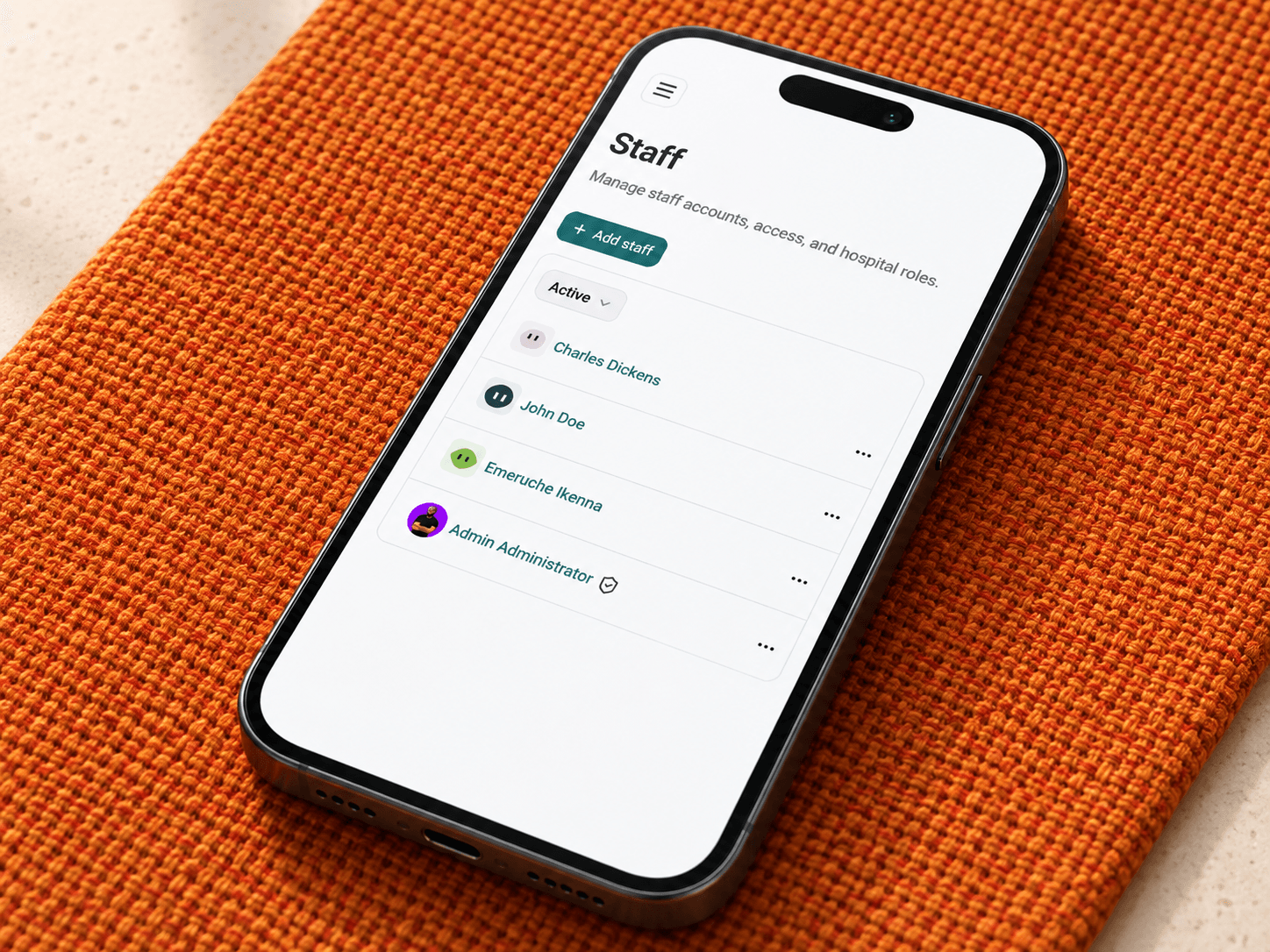
CuboidOS staff management interface shown on a mobile phone